As a cosmetic injector, being able to show the patient results after treatment is not only important for assessing the changes, but it is also important in gaining a patient’s trust. By being able to quickly and explicitly show the patient the benefits of their treatment, confusion is reduced and patient understanding is increased.
TREATMENT PAD
Treatment Pad is available to download through the iOS store and some features require an upgraded subscription. Treatment Pad uses Artificial Intelligence to automatically identify facial markers, such as the eyes, nose and mouth to align photographs at the tap of a button. It will also zoom in and crop photographs accordingly. Some advanced features of the app allow you to take accurate photographs in real time. On the split view screen you will be presented with the static before picture on the left and a live view on the right making it easy for comparison. In addition, the integrated angle calculator will identify the angle of the face to ease the accuracy.
Templates with branding can also be made through the application, with the ability to add frames, blurs and texts to the photographs ready for patient presentation or uploading to social media.
With limited training required to use the app and the ability to use on mobile devices Treatment Pad has had a lot of success globally. It has been presented in several industry events throughout Australia and boasts clinics using the application from New York, Los Angeles to Harley Street in London.
With the ever-growing popularity of aesthetic treatments and facial sculpting injectables, producing quality before and after photos has never been more paramount for practitioners. Unfortunately, the slightest change in angle rotation or camera orientation can considerably change how the outcome of a procedure is portrayed in photos, thereby misrepresenting a practitioner’s good work.
- In the gallery view first select your before and after photos.
- Then press the facial alignment icon to use computer vision to mark and identify facial features detected in the photographs for automatic alignment.
- Use the optional grid overlay for micro-adjustments.
- Tap next to either save the collage to your device or share it.
CAMERA
- In the gallery view tap the camera icon at the bottom to launch the layout camera.
- Select photographs to compare with using the left pane.
- Take photographs with the camera using the right pane.
- Both panes have the facial alignment icon to aid alignment of the photographs.
TEXT EDITOR
- Tap on the upload button to select template editor
- Add blurs, frames and text
- Save the template to use later or generate a new template
- To access a saved template press on the stamp icon on the main view.
Join me as I discuss how I improve patient satisfaction through the use of Treatment Pad, an application that uses artificial intelligence to help take and generate accurate and instant before and after photographs.
As a cosmetic injector, being able to show the patient results after treatment is not only important for assessing the changes, but it is also important in gaining a patient’s trust. By being able to quickly and explicitly show the patient the benefits of their treatment, confusion is reduced and patient understanding is increased.
TREATMENT PAD
Treatment Pad is available to download through the iOS store and some features require an upgraded subscription. Treatment Pad uses Artificial Intelligence to automatically identify facial markers, such as the eyes, nose and mouth to align photographs at the tap of a button. It will also zoom in and crop photographs accordingly. Some advanced features of the app allow you to take accurate photographs in real time. On the split view screen you will be presented with the static before picture on the left and a live view on the right making it easy for comparison. In addition, the integrated angle calculator will identify the angle of the face to ease the accuracy.
Templates with branding can also be made through the application, with the ability to add frames, blurs and texts to the photographs ready for patient presentation or uploading to social media.
With limited training required to use the app and the ability to use on mobile devices Treatment Pad has had a lot of success globally. It has been presented in several industry events throughout Australia and boasts clinics using the application from New York, Los Angeles to Harley Street in London.
With the ever-growing popularity of aesthetic treatments and facial sculpting injectables, producing quality before and after photos has never been more paramount for practitioners. Unfortunately, the slightest change in angle rotation or camera orientation can considerably change how the outcome of a procedure is portrayed in photos, thereby misrepresenting a practitioner’s good work.
- In the gallery view first select your before and after photos.
- Then press the facial alignment icon to use computer vision to mark and identify facial features detected in the photographs for automatic alignment.
- Use the optional grid overlay for micro-adjustments.
- Tap next to either save the collage to your device or share it.
CAMERA
- In the gallery view tap the camera icon at the bottom to launch the layout camera.
- Select photographs to compare with using the left pane.
- Take photographs with the camera using the right pane.
- Both panes have the facial alignment icon to aid alignment of the photographs.
TEXT EDITOR
- Tap on the upload button to select template editor
- Add blurs, frames and text
- Save the template to use later or generate a new template
- To access a saved template press on the stamp icon on the main view.
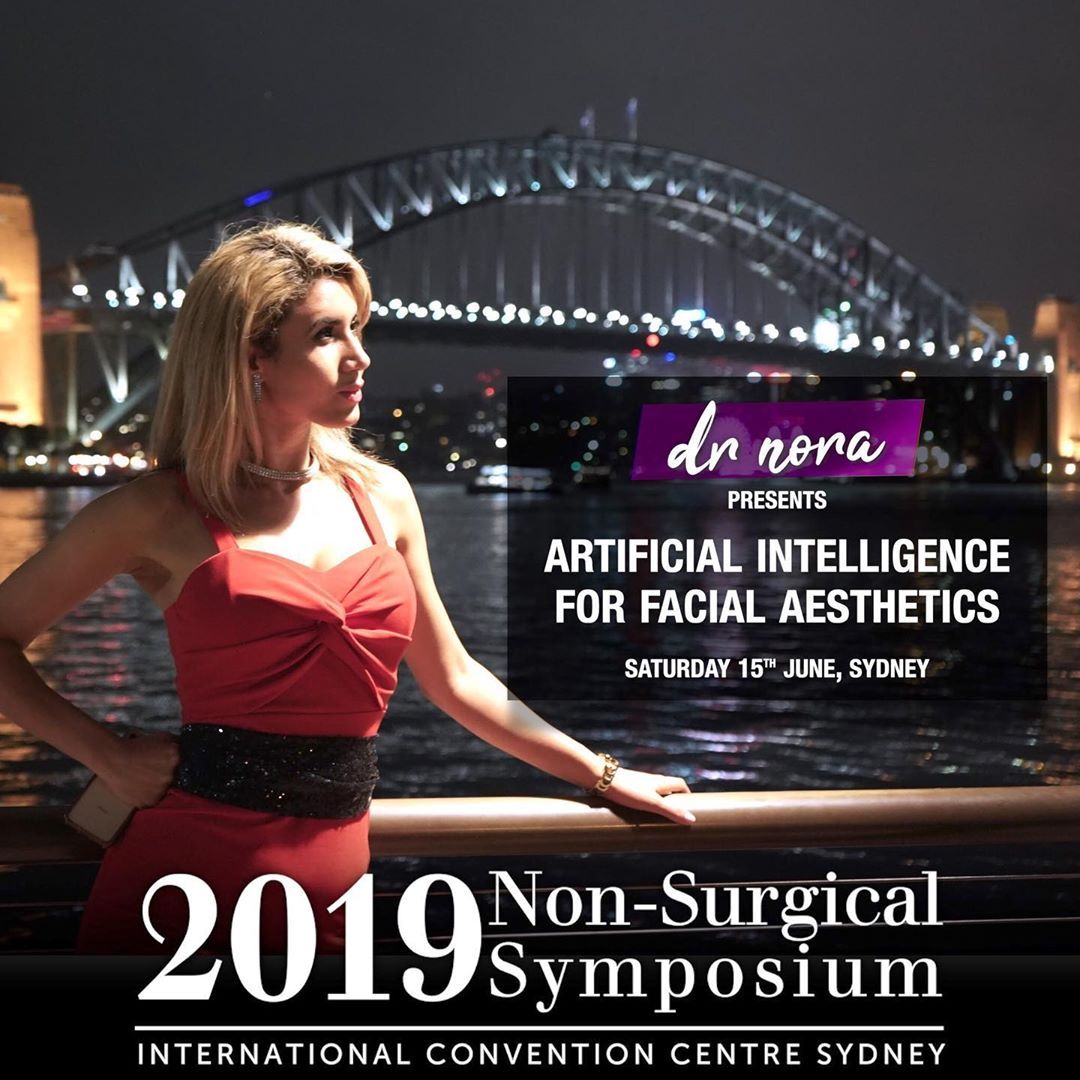
Join me in this episode where I present a digital application, Treatment Pad, that I have been working on for the past 2 years at Australasia’s largest cosmetic symposium in Sydney, Australia.
By-passing through the expected nerves, I delivered an informative and useful presentation which caught the attention of many in the audience, including a business proposition!
Not only is the symposium packed with informative lectures and workshops, but there is an opportunity to network with colleagues in the same field as well as a grand exhibition showcasing the latest in cosmetic advancements.
TREATMENT PAD
Since its launch in 2019, the application is available to use on iOS devices and is being used in many clinics globally including Las Vegas, New York, Harley Street in London and clinics around Australia.
Did you know that there is a mobile and iPad app for cosmetic physicians that uses artificial intelligence to generate better before and after photos?
In this video, we follow Dr Nora teaching a cohort of doctors, dentists and registered nurses on how to perform safe cosmetic injectables through the training academy Derma Medical. She demonstrates the use of the application in real time to both the patients and the delegates. Dr Nora uses the application in her clinic and finds its ease of use compliments her patient journey well.
With the ever-growing popularity of aesthetic treatments and facial sculpting injectables, producing quality before and after photos has never been more paramount for practitioners. Unfortunately, the slightest change in angle rotation or camera orientation can considerably change how the outcome of a procedure is portrayed in photos, thereby misrepresenting a practitioner’s good work.
Treatment Pad uses computer vision technologies to aid you in quickly generating before and after photos.
LAYOUT EDITOR
- In the gallery view first select your before and after photos.
- Then press the facial alignment icon to use computer vision to mark and identify facial features detected in the photographs for automatic alignment.
- Use the optional grid overlay for micro-adjustments.
- Tap next to either save the collage to your device or share it.
CAMERA
- In the gallery view tap the camera icon at the bottom to launch the layout camera.
- Select photographs to compare with using the left pane.
- Take photographs with the camera using the right pane.
- Both panes have the facial alignment icon to aid alignment of the photographs.
Dr Nora - yours truly, will be presenting at Australia’s largest Non-Surgical Aesthetics Symposium in Sydney next month… alongside some of the world’s top experts. 🤓💉👄 Over the past year I’ve been closely involved in developing some exciting new technology where artificial intelligence is used for instant and accurate facial photography. It’ll be a game changer in the medical and cosmetic scene and I cannot wait to share this hard work with you all. So if you’re headed over to the Non-Surgical Symposium this year please pop by and say hello.